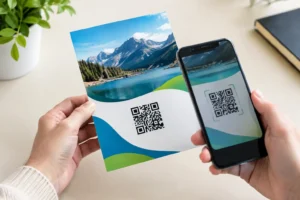
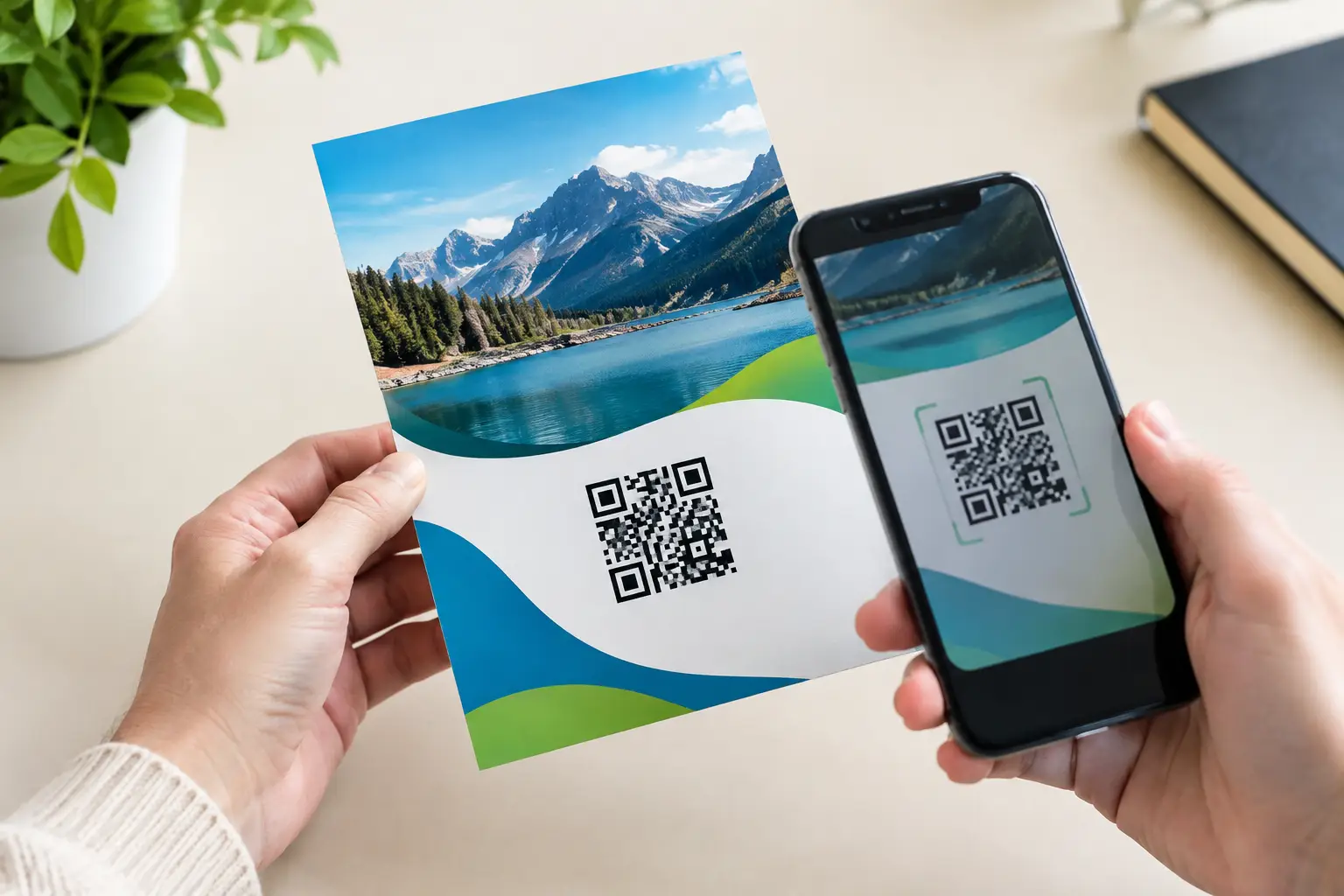
A flyer has only a few seconds to earn attention. A QR code can turn that brief moment into a measurable next step: an event registration, menu view, appointment request, product page visit, coupon redemption, or saved contact. So, can flyers include QR codes? Absolutely. The better question is whether the code is designed, placed, and printed well enough for someone to scan it without hesitation.
For Las Vegas businesses, exhibitors, and event teams working on tight deadlines, QR-enabled flyers are especially useful. They keep the printed piece concise while giving prospects immediate access to information that would otherwise require a longer brochure, a manual web search, or a follow-up conversation.
Why QR Codes Work on Flyers
A flyer is designed to start interest, not carry every detail. Trying to fit a full product catalog, event schedule, service menu, or registration form onto one sheet usually makes the page crowded. A QR code gives the reader a direct path to the next action while preserving room for a strong headline, offer, image, and call to action.
This is useful when the destination is mobile-friendly and relevant to the flyer. A restaurant can send guests to a digital menu. A convention exhibitor can direct attendees to a product demo or meeting scheduler. A local service company can link to a quote form. An event organizer can send people to tickets, a venue map, or an updated agenda.
The tracking value also matters. A unique QR code can show how many people scanned a particular campaign, location, event, or version of a flyer. That does not tell you everything about campaign performance, but it provides a clearer signal than distributing untracked handouts.
Can Flyers Include QR Codes Without Looking Cluttered?
Yes, provided the QR code supports the design rather than becoming the design. It should be one clear action point on the flyer, not an unexplained black-and-white square tucked between logos and fine print.
Give the code a purpose in plain language. “Scan to book a demo,” “Scan for show specials,” or “Scan to view the menu” tells readers what they will receive and gives them a reason to use their phone. A generic “Scan me” can work, but it is less persuasive because it asks for effort without explaining the benefit.
Placement depends on the layout. For most flyers, the lower third works well because the reader can take in the main message first and then act. If the QR code is the primary response mechanism, it can sit nearer the center alongside the offer. Avoid putting it too close to edges, folds, perforations, or busy background photography.
A clean white area around the code is not wasted space. It is called a quiet zone, and it helps phone cameras recognize the code quickly. Do not surround it with dense type, borders, patterns, or other graphics that may interfere with scanning.
Keep the Code Large Enough to Scan
Size is one of the most common problems with QR flyer printing. A code that looks acceptable on a computer monitor may be too small when printed, especially if it contains a long URL or a complex data pattern.
As a practical starting point, use a QR code at least 0.75 inches square for close-range handouts. A 1-inch square code is a safer choice for many flyers. If people will scan it from several feet away, such as from a poster, counter sign, or trade show graphic, it needs to be much larger.
The final size depends on scanning distance, print surface, code complexity, and lighting conditions. A short destination URL typically produces a simpler code than a long string with tracking parameters. Simpler codes are easier to scan and give the designer more flexibility.
Use Contrast, Not Decoration
Standard black on white remains the most dependable QR code treatment. Brand colors can work, but contrast must stay high. A dark code on a light background is generally safer than a light code on a dark background, and pale colors can create scanning problems under event lighting or glare.
Avoid gradients, transparent backgrounds, metallic finishes over the code, and low-contrast color combinations. Also be careful with glossy paper stock if the flyer will be used in bright outdoor conditions or under overhead convention lighting. Gloss can look polished, but glare may affect quick scans at certain angles. Matte stock can be the more practical option when scan reliability is the priority.
Choose a Destination Worth Scanning
The QR code itself is only the bridge. The destination determines whether the flyer produces a useful result.
Send people to a page that matches the flyer’s promise. If the flyer promotes a limited-time trade show offer, the code should open that offer, not a general homepage where visitors have to search for it. If it promotes an event, send people directly to registration or event details. Every extra click gives busy prospects another chance to leave.
The page should load quickly on a phone and make the next step obvious. A QR scan often happens in a hallway, at a booth, at a checkout counter, or while someone is moving between meetings. Long forms, slow video backgrounds, and tiny mobile buttons work against that moment.
For changing information, use a dynamic QR code when possible. This allows the destination URL to be updated later without reprinting the flyer. That is helpful for campaigns with rotating offers, changing schedules, or event pages that may need last-minute edits. Static codes are fine when the destination is permanent and unlikely to change.
Design the Flyer Around One Primary Action
QR flyer campaigns perform best when the printed message has one job. A flyer can include supporting information, but the headline, offer, and code should all point toward the same response.
For example, a convention vendor might use a headline such as “Schedule a 15-Minute Product Demo at Booth 214,” followed by a short explanation and a QR code labeled “Scan to reserve your time.” A retail promotion might feature a product image, an expiration date, and “Scan for your mobile coupon.” Both make the benefit and the action easy to understand.
Do not give every social platform, phone number, email address, website, and QR code equal visual weight unless each is necessary. Too many response options can weaken the main call to action. If the code is the fastest way to respond, make that clear.
Prepare the QR Code Correctly for Print
A QR code should be generated as a high-resolution, print-ready file. Vector formats such as SVG, EPS, or PDF are preferred because they remain sharp at different sizes. A high-resolution PNG can work for a fixed-size flyer, but a low-resolution screenshot copied from a website is risky.
Keep the code square. Do not stretch, crop, round excessively, or place a logo over the center unless the code has been created with the appropriate error correction and tested thoroughly. Decorative modifications may look on-brand but can reduce reliability.
Before approving production, test the QR code from the final proof or a physical sample. Scan it with more than one phone type, from typical viewing distances, and under realistic lighting. Test both the code and the destination page. A perfectly printed code still fails the campaign if it opens an outdated page, a broken form, or a desktop-only experience.
Common QR Flyer Mistakes to Avoid
Most failures are avoidable during design and proofing. Watch for these four issues:
- A code that is too small, too dense, or printed at low resolution.
- Low-contrast colors, glossy glare, or a busy image placed behind the code.
- No benefit statement or unclear call to action near the code.
- A destination page that is slow, irrelevant, expired, or difficult to use on mobile.
Another mistake is relying on the QR code alone. Some people may prefer to type a short web address, call, or speak with a team member. For time-sensitive event flyers, including a short, memorable URL below the code gives readers a backup option without crowding the layout.
QR Codes for Las Vegas Events and Fast-Turnaround Campaigns
QR codes are particularly practical for convention flyers, restaurant promotions, nightclub and hospitality campaigns, real estate open houses, local service offers, and networking events. They give businesses a way to distribute polished print materials while keeping digital details current.
For exhibitors, a QR code can reduce friction at the booth. Instead of asking every visitor to write down a web address or wait while staff search for a product page, the flyer can direct them to a lead form, meeting calendar, catalog, or post-show offer. For event organizers, codes can direct attendees to schedules that change after printing.
When a deadline is close, the production process still needs room for proofing. Design One Printing can help prepare flyer files, review QR code placement, and produce professional marketing materials on a fast turnaround when your campaign cannot wait.
A QR code earns its space on a flyer when it gives the reader a useful next step. Make that step clear, make the code easy to scan, and test the finished piece before it reaches the street, store, booth, or event floor.