A postcard has only a few seconds to earn attention before it is set aside with the rest of the mail. Knowing how to design direct mail postcards means making every inch work: the offer must be clear, the message must be easy to scan, and the printed piece must look credible in a recipient’s hands.
For Las Vegas businesses, that pressure is often higher. A restaurant may be promoting a weekend special, a local service company may be trying to fill appointment openings, or an exhibitor may need to drive traffic to a convention booth. The best postcard is not the one with the most information. It is the one that gives the right audience one compelling reason to act now.
Start With the Audience and the Response You Want
Before choosing a postcard size, photo, or color palette, decide who should receive the piece and what you want them to do. A neighborhood homeowner, a repeat retail customer, and a trade show prospect do not respond to the same message.
Be specific about the action. Your postcard might ask recipients to visit a location, call for an estimate, scan a QR code, bring in an offer, register for an event, or stop by a booth. One primary action is usually enough. When a card asks people to call, visit a website, follow social media, attend an event, and shop online all at once, none of those actions receives the emphasis it needs.
The offer should match the audience and the timing. A limited-time discount can work well for a local retail campaign. A complimentary consultation may be stronger for a high-value professional service. For event marketing, a clear meeting time, booth number, or RSVP deadline can be more useful than a percentage-off offer.
How to Design Direct Mail Postcards Around One Message
A direct mail postcard is not a brochure. It has room for one central message, supporting details, and a direct call to action. Trying to compress a full company history or product catalog onto a postcard weakens its purpose.
Start with a headline that states the benefit quickly. “Need a Banner Before Your Event?” is more immediate than “We Offer a Wide Range of Print Solutions.” “Save 20% on Your First HVAC Service” is clearer than “Quality Service You Can Trust.” The recipient should understand the value without turning the card over or reading fine print.
Use a simple hierarchy on the promotional side:
- A headline that communicates the main benefit
- A strong image, product photo, or graphic that supports the offer
- A short supporting statement that answers a likely question
- A visible call to action with the contact method or next step
Your call to action needs visual weight. Put it in a contrasting color block, button-style shape, or dedicated section of the layout. If a phone number or QR code is essential to response, do not hide it in a small footer. Give people a quick, low-friction way to act.
Write for a Quick Scan
Most recipients will not read a postcard word for word. Use short sentences, clear subheads, and enough white space for the message to breathe. A crowded layout can make even a strong offer feel difficult or untrustworthy.
Avoid generic claims unless you support them. “Fast local service,” “same-day availability,” “licensed technicians,” “free delivery,” or “family-owned since 2008” tell a reader more than broad phrases such as “the best quality” or “excellent customer care.” Specificity gives the design something meaningful to feature.
Choose a Size That Fits the Campaign
Standard postcard sizes are practical for many campaigns because they are familiar, cost-efficient, and easy to mail. Larger formats can create more presence in the mailbox and provide room for a bold image, map, menu, or event schedule. The trade-off is higher printing and postage costs.
For a simple promotion, a standard postcard often has enough space. For a real estate announcement, hospitality promotion, convention invitation, or product launch, a larger format may be worth the investment. The right choice depends on the mailing list, your offer value, and how much information the recipient truly needs.
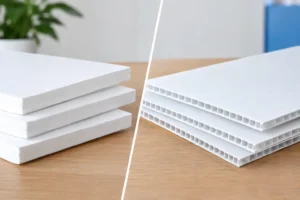
Finish matters as well. Glossy stock can make photography and bright product imagery stand out. Matte stock can feel more refined and is often easier to write on when you want recipients to redeem an offer or fill in a response field. A heavier card stock generally presents better than a thin, flexible piece, particularly for premium services and event invitations.
Keep the Mailing Side Clean and Usable
The address side is working space, not leftover space. It must accommodate the recipient address, postage or mailing indicia, return address, and any required postal elements. Build these areas into the design from the beginning instead of adding them after the artwork is complete.
Many postcards benefit from a split layout: a clean address block on one side and a smaller promotional area on the other. That promotional area can reinforce the offer with a logo, a short tagline, a QR code, or a deadline. Just do not let the artwork interfere with readability or postal processing.
If you are using an address list or mailing service, confirm the required address panel dimensions before finalizing the design. Mailing rules and automation requirements can affect where key elements are placed. Planning for them early prevents costly revisions when the job is already on a tight deadline.
Use Images and Color With a Print-First Mindset
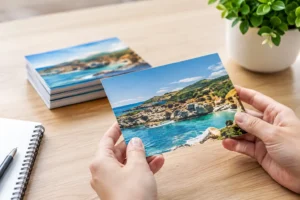
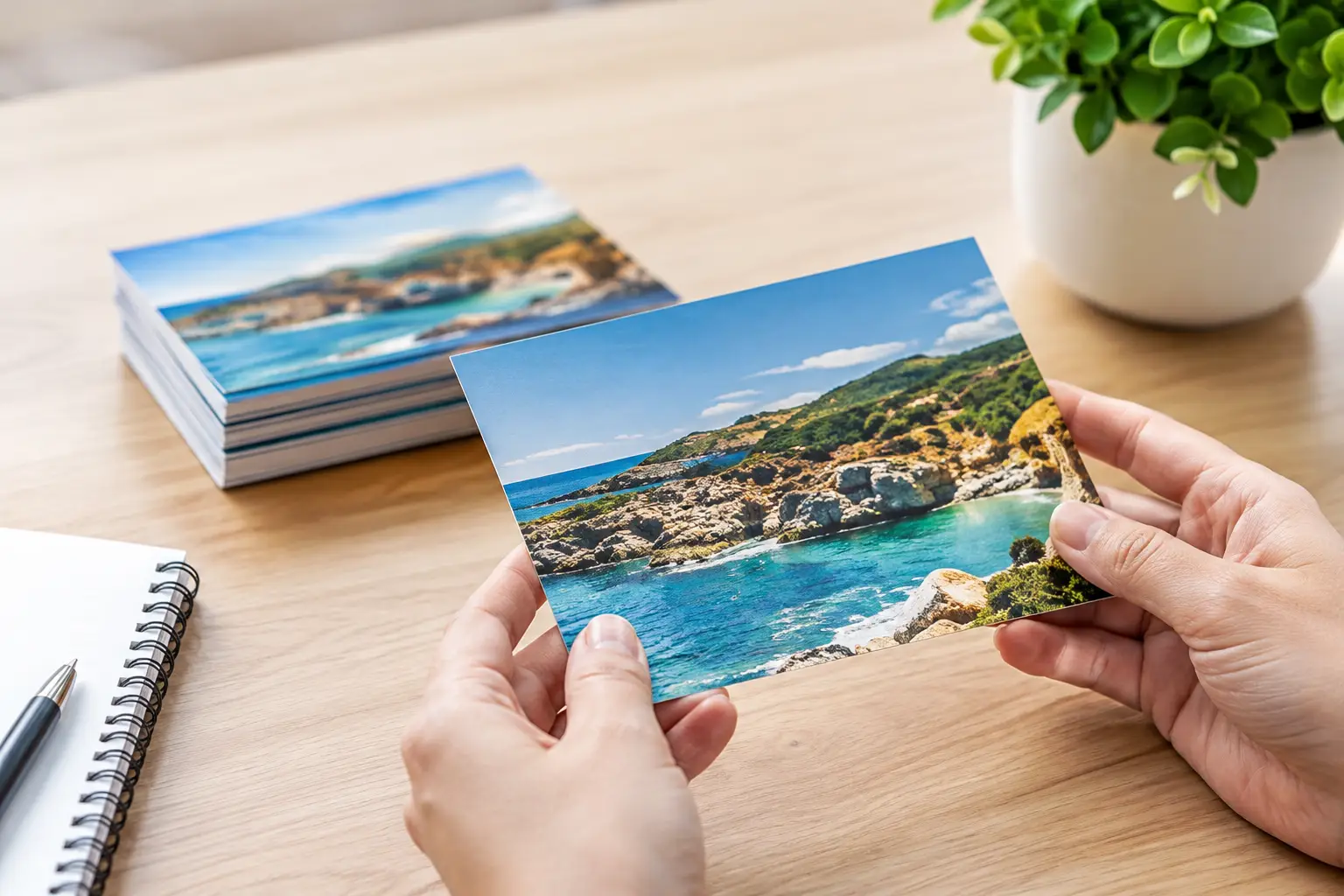
A photo can stop attention, but only if it is relevant and professionally prepared. Use one strong image rather than several small, competing photos. Restaurants can feature a signature dish. Event promoters can show the experience or venue energy. Service businesses often perform better with a clear before-and-after visual, a recognizable team member, or the finished result of their work.
Be cautious with low-resolution images pulled from websites or social media. An image that looks acceptable on a phone may print soft, pixelated, or blurry at postcard size. High-resolution artwork, properly sized logos, and print-ready color settings help avoid disappointing results.
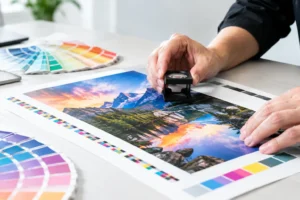
Color should direct attention, not create noise. Choose brand colors for consistency, then reserve a contrasting accent color for the offer or call to action. Small, light text on a dark or busy background is difficult to read in print. The same is true for type placed over a photo without enough contrast.
For a Las Vegas audience, bold visuals can fit the market well, especially for entertainment, nightlife, hospitality, and convention promotions. But bold does not have to mean cluttered. A clean layout with one vivid image and one strong offer usually feels more professional than a page full of visual effects.
Make the Offer Easy to Measure
Direct mail improves when you can see what it produces. Include a way to track response, such as a campaign-specific QR code, a unique promo code, a dedicated phone number, or a landing page reference. This lets you compare offers, neighborhoods, list segments, and postcard versions over time.
QR codes are useful when they lead somewhere with a clear next step. Send recipients to an appointment form, an event registration page, a menu, or a limited offer page. Test the code from a mobile phone before printing. Make sure it is large enough to scan and has clear space around it.
A redemption deadline can also strengthen urgency, but only when it is realistic. If your team cannot handle a rush of calls or fulfill the offer during the stated period, the campaign can damage trust. Match the promotion to your staffing, inventory, and capacity.
Proof the Postcard Before It Goes to Print
Proofing is where a well-designed postcard becomes a reliable marketing piece. Review every phone number, web address, date, time, price, disclaimer, and QR code. Ask someone unfamiliar with the offer to look at it for five seconds, then explain what they think they are being asked to do. If the answer is unclear, simplify the layout or strengthen the headline.
Also check for print details that are easy to miss: bleed areas, safe margins, image resolution, spelling, and the final trimmed size. Elements placed too close to the edge may be cut off during trimming. Fine text may look readable on screen but become difficult to read after printing.
For rush campaigns, work with a print partner early enough to review the file and mailing requirements before production begins. Design One Printing can help Las Vegas businesses prepare postcard artwork, select practical stock and sizing, and move quickly when an event date or promotion window is close.
A postcard earns its place in the mailbox when it respects the recipient’s time. Give it one focused offer, a clear reason to respond, and a finish that reflects the quality of your business. That combination is what turns a printed card into a marketing opportunity.